Harzing app download jurnal
Posted by: Administrator | 13/09/2022 | Kategori: Software | 98 kali dibaca | Rating: 120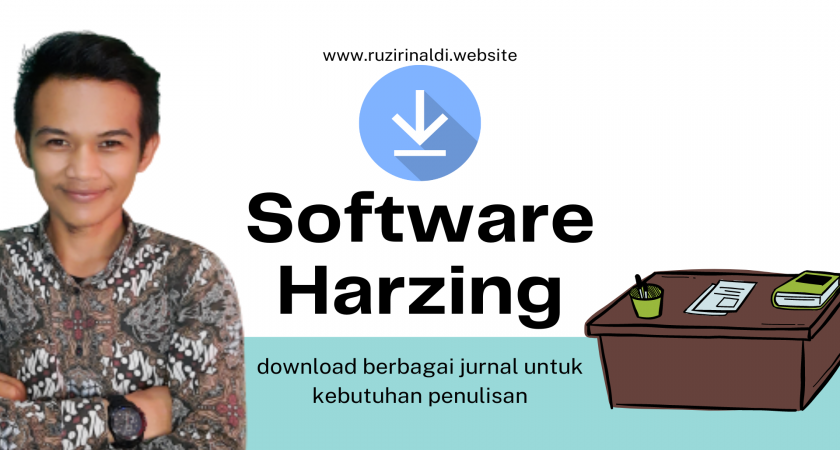
upgrade process.
After installation is complete, you can start Publish or Perish through the Windows Start menu: click on the Start menu button, then All Programs, then Publish or Perish 7.
If you ever need to remove the Publish or Perish software from your system, use the Add/Remove Programs control panel.
Support Publish or Perish
The development of the Publish or Perish software is a volunteering effort that has been ongoing since 2006. Download and use of Publish or Perish is and will remain free (gratis), but your support toward the costs of hosting, bandwidth, and software development are appreciated. Your support helps further development of Publish or Perish for new data sources and additional features.
Share:
KATEGORI
- Biografi (9)
- Teknologi (12)
- Tips and Triks (29)
- Penelitian (9)
- Pendidikan (38)
- Android (4)
- SMKN1SITIUNG (16)
- Software (18)
- Design Media Interaktif (6)
- Pertanian (1)
- Pemrograman Web dan Perangkat (3)
- Tulisan Inspirasi (38)
- film (1)
- E-Book (14)
- Animasi 2D3D (21)
- DMI 2022 (9)
- Pantun (6)
- Kultum (7)
- Basis Data (6)
- Buku Perpustakaanku (2)
- Video Tutorial (1)
- Sekilas Ilmu (6)
- Game (2)
- Lowongan Kerja (5)
- Piala Dunia 2022 (1)
- Kepemiluan (5)
- e-book (4)
- SPPG (1)
- Ramadhan (1)
POST POPULER
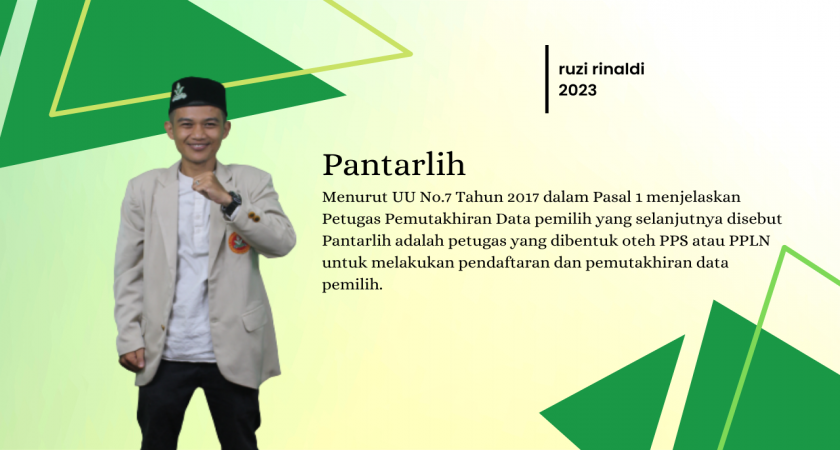
Pantarlih
by: Administrator | 27 February 2023
Data SISWA SMK N 1 SITIUNG
by: Administrator | 04 September 2021
BELAJAR PEMROGRAMAN PHP DENGAN MUDAH
by: Administrator | 30 April 2021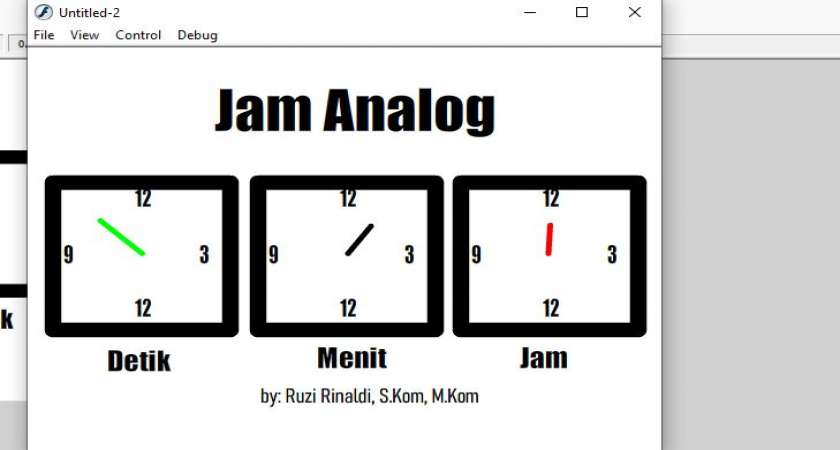
Cara Mebuat Jam Analog di macromedia flash 8
by: Administrator | 06 October 2021
Macromedia Flash 8
by: Administrator | 06 October 2021
membuat jam digital
by: Administrator | 07 October 2021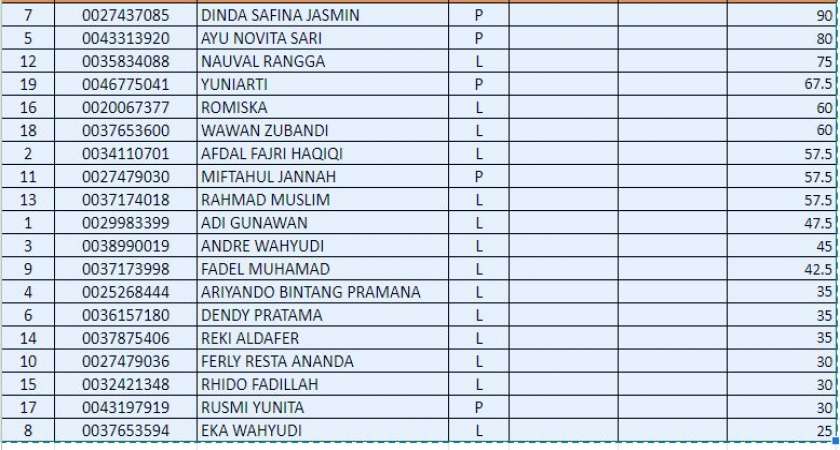
Nilai UAS Design Media Interaktif
by: Administrator | 15 December 2021
AMAR MARUF NAHI MUNKAR ADALAH RELEVAN BAGI SETIAP MUSLIM
by: Administrator | 04 May 2021
Ruzi Rinaldi memenuhi undangan Pernikahan ketua PPS Nagari Panyubarangan Alfi Hamdi Akbar
by: Administrator | 17 October 2020
Web personal untuk berkarya
by: Administrator | 31 August 2022POST TERBARU
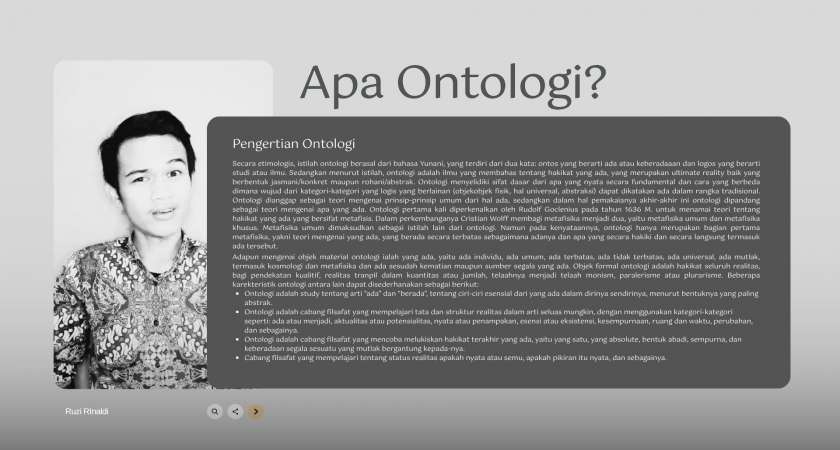
sering dengar ontologi gak sih
by: Ruzi Rinaldi | 16 August 2026
AI hanya tools yang lebih penting adalah menyiapkan penggunanya
by: Ruzi Rinaldi | 16 August 2026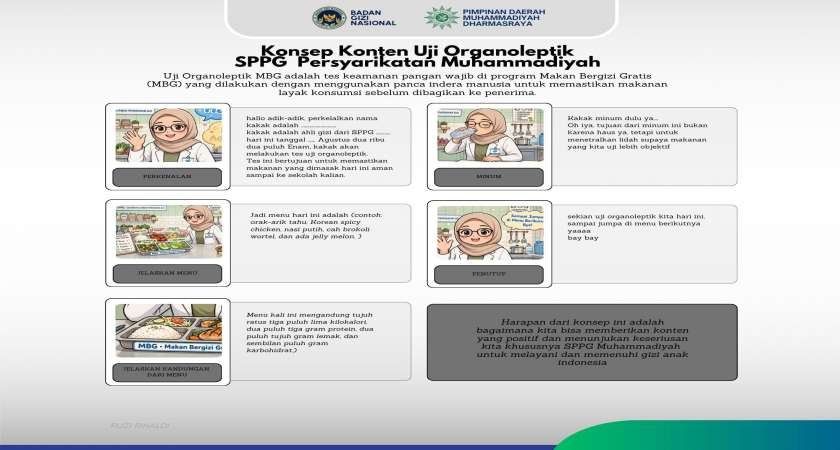
Uji Organoleptik
by: Ruzi Rinaldi | 16 August 2026
Regulasi & Juknis/Pedoman BGN Sebelum SK 401.1
by: Ruzi Rinaldi | 14 August 2026
Ibnu Rusyd Tahafut at Tahafut
by: Ruzi Rinaldi | 19 July 2026
gudang baca
by: Ruzi Rinaldi | 19 July 2026
Pes 2017
by: Ruzi Rinaldi | 15 July 2026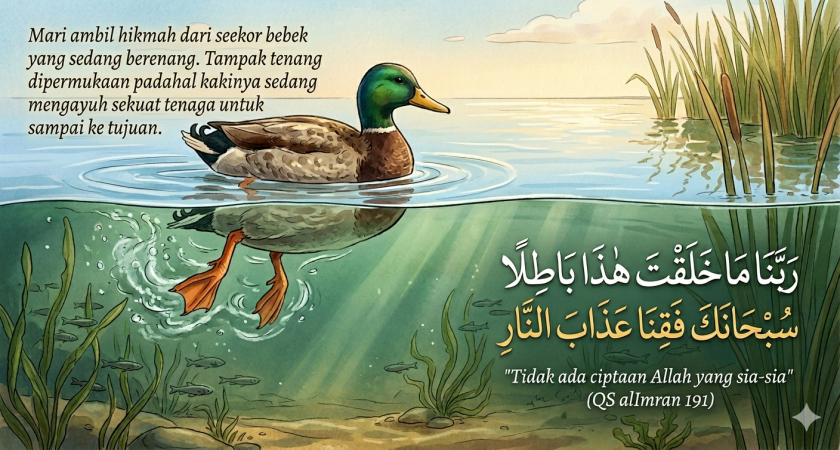
Filosofi Bebek Berenang: Di Balik Ketenangan Ada Perjuangan Tanpa Henti
by: Ruzi Rinaldi | 04 June 2026
Harapan
by: Ruzi Rinaldi | 04 June 2026